
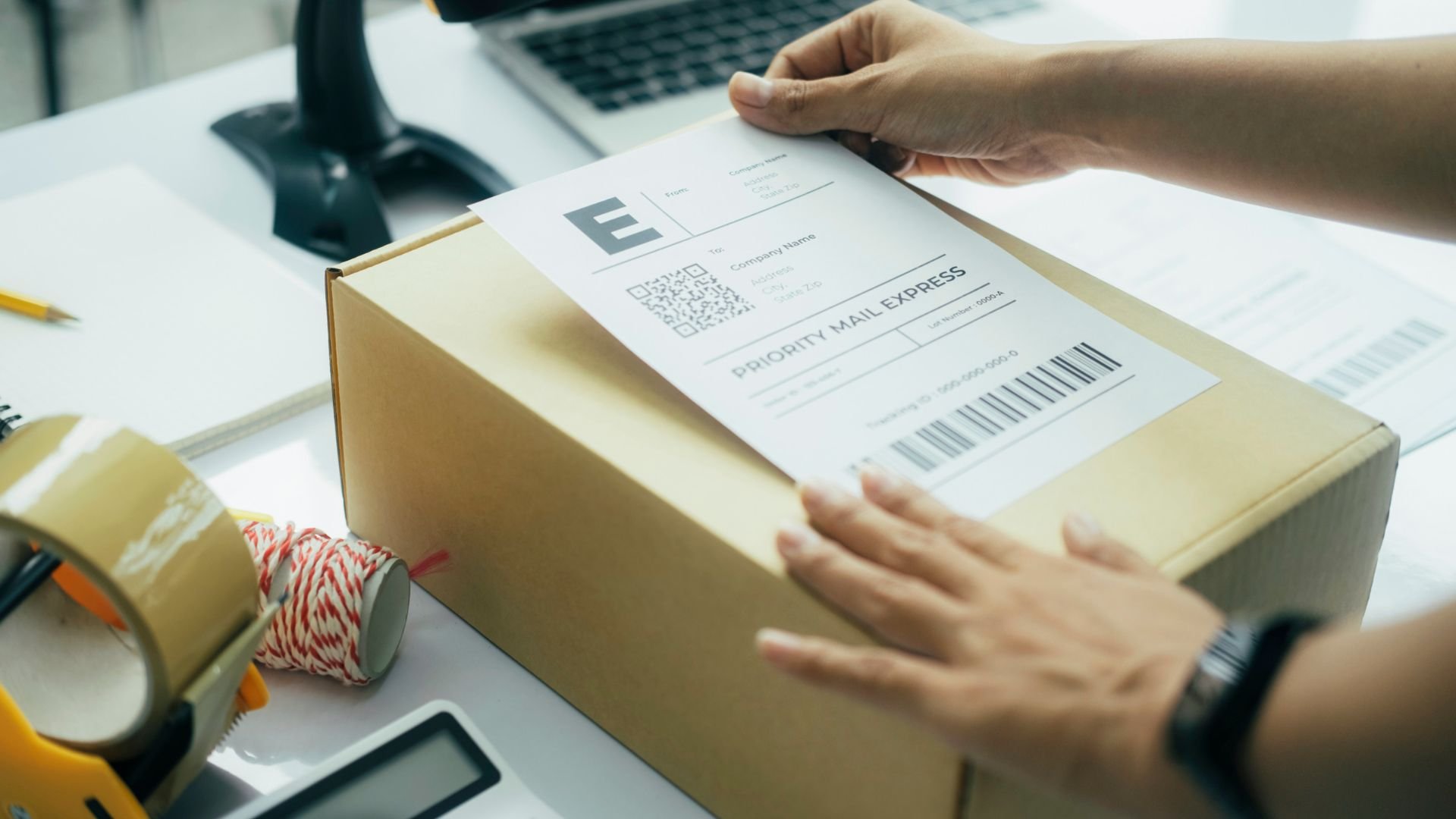
We’ve all been there. You get the shipping email, click the tracking link, and start looking forward to your order. You check again the next morning, and it still says “Label Created.” So, you check again later. And it just… sits there.
That status can be frustrating, especially when you’re counting on your package arriving by a certain date. A gap between label creation and the first carrier update can be part of normal shipping. Here’s what might be happening and when it makes sense to follow up.
What does “Label Created” mean?
“Label Created” means the sender generated a shipping label and sent the shipment details to the carrier. Tracking is still waiting for an update that confirms the carrier has the package. Your package could be at the warehouse waiting for pickup, or it could already be with the carrier while tracking catches up.
Say your order was packed and the shipping label was printed at 5 p.m. on Wednesday. You check tracking Thursday morning, and it still says “Label Created.” If the warehouse’s last pickup had already happened when the label printed, your package may be waiting for Thursday’s pickup. If it made Wednesday’s pickup, the first tracking update may come when it reaches a sorting facility. From your tracking page, both situations can look the same. See how UPS defines “Label Created.”
Can “Label Created” mean my package is lost?
It’s possible. The package may still be waiting for pickup, it may already be on its way while tracking catches up, or it may have been misplaced. If your expected delivery date has passed and tracking still says “Label Created,” contact the seller. They can check whether the warehouse recorded the handoff and follow up with the carrier if needed.
How long should I wait before contacting the seller?
Start with the estimated delivery date from the store. If the label was just created and the delivery window is still open, check the carrier’s tracking page again after the next business day. Weekends and holidays can extend the gap when pickups are less frequent.
If the delivery date is approaching and tracking still hasn’t updated, contact the store with your order number. Ask whether the package was handed to the carrier and when you can expect an update. If you need it by a specific date, mention that so the store can help you decide what to do next.
Why do some orders sit in “Label Created” for days?
Carrier pickup frequency is one reason. A business that ships its own orders or uses a warehouse with only a few pickups per week can print a label as soon as an order is packed. If the carton misses that day’s pickup, it may sit until the next scheduled collection. Add the time between pickup and the first carrier update, and the customer may see the same status for several days.
At KSP Fulfillment, carriers pick up at least once per day, Monday through Friday. That gives packages a scheduled opportunity to leave the warehouse each weekday. The first tracking update may still appear after pickup, depending on when the carrier scans the package.
What should ecommerce brands ask their fulfillment partner?
When customers ask, “Has my order actually shipped?” your team needs to know where to look. Ask your fulfillment partner these questions:
- How often do carriers pick up, and when is the last pickup of the day? Ask how the schedule changes around holidays and peak season.
- What triggers the customer’s shipping email? Find out whether it goes out when the label prints, when the warehouse records the handoff, or at another step. That timing shapes what customers expect to see when they click.
- How can we verify that a specific package made pickup? Ask what your partner can confirm when a label exists and the carrier’s tracking hasn’t updated.
- Who follows up when tracking stalls? Agree on when to investigate, who contacts the carrier if needed, and when the customer will hear back.
If your team regularly has to chase down whether an order left the warehouse, let’s talk.
Carriers pick up from KSP Fulfillment every day, Monday through Friday, to keep your orders moving. If tracking stalls, your dedicated Customer Experience representative can help you find out what happened.